Audit-Ready Business Records Workflow for Small Businesses

An audit-ready business records workflow is a structured system that lets you trace, verify, and present every financial document transparently when regulators or auditors ask. The formal industry term is "records governance," and it covers far more than filing receipts in a folder. Retention periods for business records typically range from 2 to 7 years depending on document type and regulatory framework. That range matters because a missing contract from four years ago can trigger the same penalty as a missing tax record from last year. For freelancers and small business owners, building this workflow into daily operations is the single most reliable way to reduce compliance risk and simplify tax preparation.
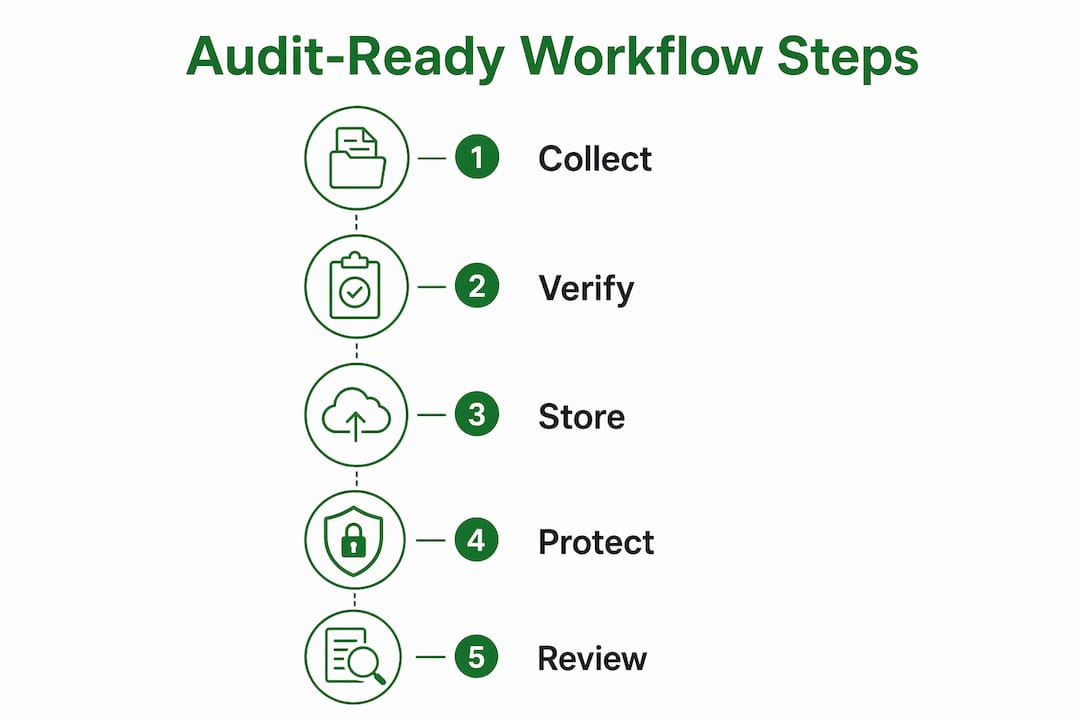
What are the core components of an audit-ready business records workflow?
Three pillars define every defensible records workflow: completeness, authenticity, and timeliness. Audit-ready workflows must capture all three, logging unique transaction IDs and approval histories for every financial record. Missing any one pillar gives auditors grounds to question the integrity of your entire records set.
Completeness means every document that should exist does exist, with no gaps in the transaction lifecycle. Authenticity means the record has not been altered after the fact, and you can prove it. Timeliness means the record was created or captured at the time of the transaction, not reconstructed weeks later.
Beyond those pillars, a defensible workflow tracks five lifecycle events for each document:
- Intake: The moment a document enters your system, with a timestamp and source log
- Changes: Any edits, with version labels and the identity of who made them
- Approvals: Formal sign-offs with policy logic and delegation records attached
- Storage: The location, format, and access controls applied to the record
- Destruction: The date, method, and authorization for disposing of the record
Electronic records must be stored in formats that prevent alteration or deletion before retention expiry, such as WORM (Write Once, Read Many) storage, to meet SEC and FINRA standards. Failure to use compliant storage formats is itself a violation, independent of whether the record content is accurate.
Pro Tip: Integrate your document workflow with your accounting or ERP system so that approvals and metadata are captured automatically at the point of transaction. Manual entry after the fact creates gaps that auditors will notice.
How to build an effective records retention schedule
A records retention schedule is the backbone of your records compliance process. Without one, you cannot consistently apply retention periods, destruction policies, or storage standards across your business. A compliant retention schedule involves six key steps, and regular training and documented policies are mandated under frameworks like the Federal Records Act.
The six steps are:
- Identify record categories. Group your documents: contracts, tax filings, HR records, bank statements, invoices, and correspondence each carry different legal requirements.
- Determine legal requirements. Research the retention periods that apply to each category under federal, state, and industry-specific rules.
- Assign retention periods. Document the specific period for each category and the regulation that requires it.
- Choose storage methods. Decide whether records go into physical storage, cloud storage, or WORM-compliant electronic archives.
- Set destruction policies. Define how records are destroyed at the end of their retention period and who must authorize it.
- Document and train. Write the policy down and train every person who handles records on their responsibilities.
Typical retention periods vary significantly by document type:
| Record Type | Typical Retention Period | Common Regulatory Basis |
|---|---|---|
| Federal tax returns | 7 years | IRS guidelines |
| Bank statements | 5–7 years | IRS / state rules |
| Contracts and agreements | 7 years after expiry | State contract law |
| HR and payroll records | 3–7 years | FLSA / state law |
| Accounts payable invoices | 5–7 years | IRS / GAAP |
| General correspondence | 2–3 years | Business practice |
Secure destruction matters as much as secure storage. Shredding physical records and using certified deletion for electronic files creates a destruction log that proves you disposed of records properly, not that you simply lost them.
Pro Tip: Schedule an annual retention policy review every january, before tax season begins. Use it to update retention periods for any regulatory changes and to run a 30-minute refresher training for anyone who handles records.
What tools and technologies support efficient audit-ready workflows?
Technology is the most reliable way to enforce consistency in your records compliance process. Manual workflows depend on people remembering to follow procedures. Automated workflows enforce those procedures by design.

Approval trails must show policy logic, delegation, exception history, and attachment links for true audit readiness. A document automation platform that captures this data automatically removes the single biggest source of audit failure: incomplete or reconstructed approval records.
The feature categories that matter most when evaluating any workflow or automation tool are:
- Document ingestion: Automatic capture of documents at the point of receipt, with timestamps and source metadata
- Metadata capture: Automatic tagging of transaction IDs, document types, and approval sequences without manual input
- Retention enforcement: Rules-based holds that prevent deletion before the retention period expires
- Audit trail generation: Tamper-evident logs of every action taken on a document, from intake to destruction
- ERP integration: Bidirectional data exchange with your accounting system to eliminate manual transcription
Email threads are insufficient as audit trails because they lack formal tamper-proof controls and traceable metadata. Moving critical documents into a centralized, controlled system immediately upon receipt is the standard that auditors expect. A freelancer who stores approval confirmations only in their inbox has no defensible audit trail.
AI-powered document extraction takes this further by automatically pulling structured data from scanned PDFs and mapping it to the correct categories, removing the transcription bottleneck that causes most data integrity failures. The cascading effect of one miskeyed transaction can corrupt reconciliation across an entire quarter.
Pro Tip: Taxbatchpro converts scanned bank and credit card statement PDFs into structured, IRS-ready Excel spreadsheets in under 90 seconds, with transactions automatically mapped to IRS Schedule C categories. That output becomes a clean, traceable record you can attach directly to your audit file.
How to maintain audit readiness continuously
Audit readiness is a continuous governance process, not an annual event. Governance calendars and self-assessments reduce last-minute pressure by distributing audit tasks across the year. Small business owners who treat audit preparation as a once-a-year scramble consistently face higher risk and higher costs.
The most reliable structure is a four-phase month-end close: Prepare, Execute, Review, and Confirm. Each phase produces signed reconciliations, journals, and control evidence as a natural byproduct of closing the books. By the time an auditor asks for documentation, twelve months of structured evidence already exists.
Continuous audit readiness also requires avoiding the mistakes that cause the most delays:
- Storing records in unstructured folders without naming conventions or metadata
- Relying on email as the primary document repository
- Skipping version control on contracts or financial statements that go through multiple drafts
- Failing to log exceptions or open items when they occur, then losing the context months later
- Letting destruction happen informally without authorization or a destruction log
Version-proof evidence means linking record metadata such as version labels and approval timestamps directly to documents in your repository. This ensures your audit trail survives future software migrations and policy changes, which is critical for long-term compliance.
Pro Tip: Set a recurring monthly calendar event for a 20-minute governance check. Review open items, confirm that the month-end close produced signed reconciliations, and verify that no new document categories have appeared without an assigned retention period.
Key takeaways
A defensible audit-ready records workflow requires completeness, authenticity, and timeliness built into daily operations, not assembled at audit time.
| Point | Details |
|---|---|
| Three core pillars | Every record must be complete, authentic, and timely to satisfy auditor expectations. |
| Retention schedule is mandatory | Assign specific retention periods to each record category and document the legal basis for each. |
| WORM storage for electronic records | Electronic financial records must use non-rewritable storage to meet SEC and FINRA standards. |
| Email is not an audit trail | Centralize documents in a controlled system immediately upon receipt to create defensible records. |
| Continuous governance beats annual prep | A four-phase month-end close produces audit evidence naturally and eliminates year-end scrambles. |
Why audit readiness is a daily discipline, not a deadline
Most small business owners I work with treat audit readiness the way they treat fire extinguishers: they know they need one, but they only think about it when something is already burning. That mindset is the root cause of most compliance failures I see, and it is entirely avoidable.
The businesses that sail through audits are not the ones with the most sophisticated software. They are the ones that made records governance a habit. They close their books monthly, they attach source documents to every transaction at the time it happens, and they never rely on memory to reconstruct what happened six months ago.
The technical requirements for electronic recordkeeping trip up small businesses more than any other issue. Small businesses often underestimate the technical requirements for electronic recordkeeping and assume emails or unstructured folders suffice, which poses real compliance risk. I have seen freelancers lose deductions not because the expense was illegitimate, but because they could not produce a traceable record that met the auditor's standard.
The mindset shift that actually works is this: treat every transaction as if an auditor will ask about it tomorrow. Attach the document, log the approval, and store it in a controlled system before you move on. That habit, repeated daily, is what audit readiness actually looks like in practice.
— Ian
How Taxbatchpro fits into your records workflow
Maintaining compliant records requires clean, structured data at the foundation. Taxbatchpro automates the most time-consuming part of that foundation: converting scanned bank and credit card statement PDFs into structured, IRS-ready Excel spreadsheets with transactions already mapped to IRS Schedule C categories.
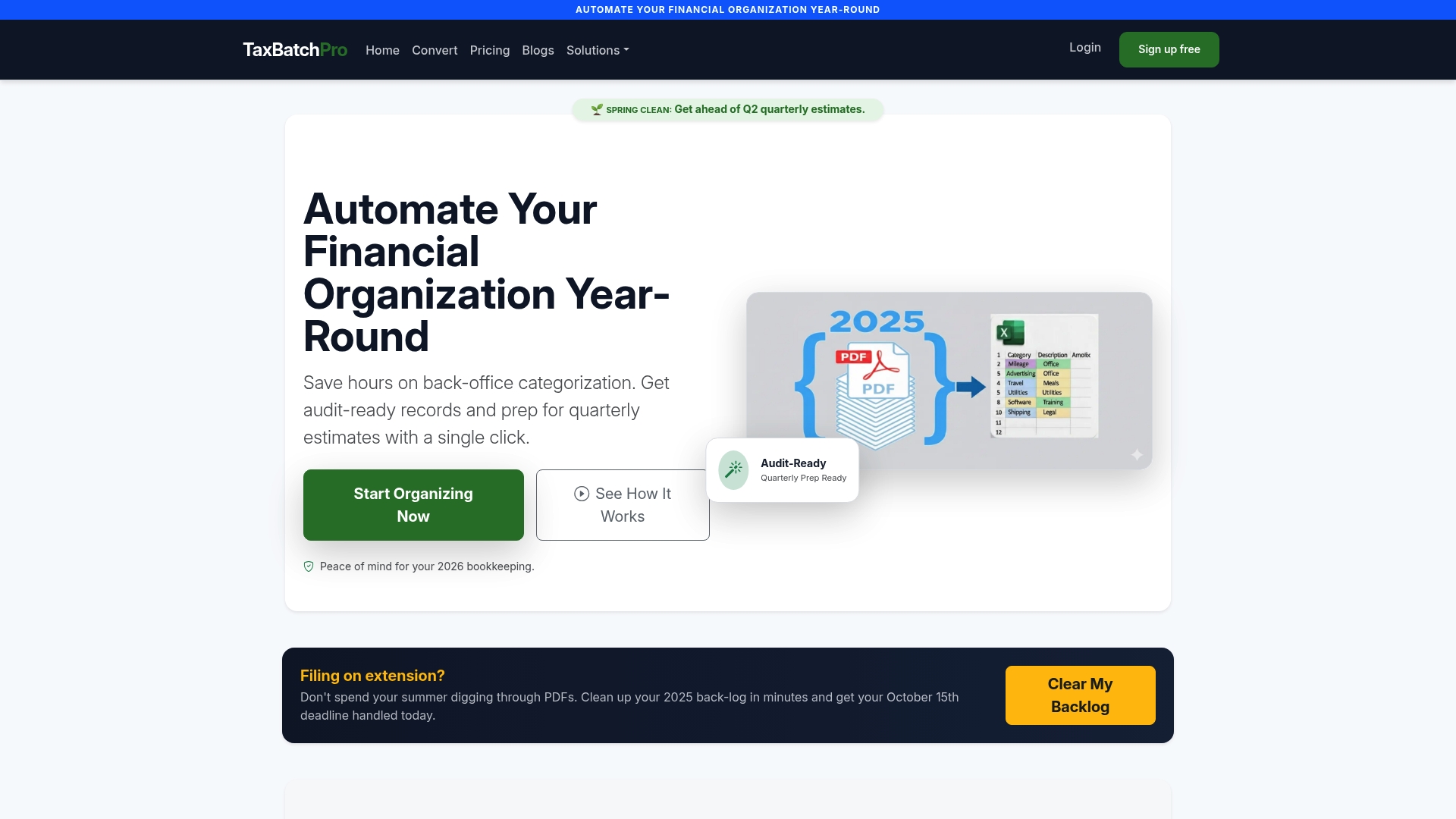
For freelancers and small business owners, that means a full year of statements can be processed in under 90 seconds, with data integrity preserved and manual transcription errors eliminated. The output integrates directly into your bookkeeping workflow, giving you a clean, traceable record set that holds up under scrutiny. Taxbatchpro also supports accounting professionals who manage multiple clients and need batch processing with consistent, audit-defensible output. If you are building or tightening your records workflow, structured statement data is the right place to start.
FAQ
What is an audit-ready business records workflow?
An audit-ready business records workflow is a structured system for capturing, storing, and retrieving financial documents so they meet auditor standards for completeness, authenticity, and timeliness. It covers the full document lifecycle from intake through approved destruction.
How long do I need to keep business records?
Retention periods for business records typically range from 2 to 7 years depending on document type and the regulatory framework that applies. Federal tax records generally require a 7-year retention period under IRS guidelines.
Why is email not a valid audit trail?
Email lacks tamper-proof controls and traceable metadata, which means it does not meet the standard auditors require for a defensible audit trail. Documents must be moved into a centralized, controlled system immediately upon receipt to qualify as audit evidence.
What is WORM storage and do I need it?
WORM (Write Once, Read Many) storage prevents electronic records from being altered or deleted before their retention period expires. SEC and FINRA standards require WORM-compliant storage for electronic financial records, and failure to use it is a violation independent of record content.
How often should I review my records retention policy?
A retention policy review should happen at least once per year, ideally in january before tax season. The review should update retention periods for any regulatory changes and include brief training for everyone who handles records.
Recommended
- What Is Tax-Ready Bookkeeping? A Guide for Small Businesses - TaxBatchPro Blog - TaxBatchPro
- IRS-Ready Statement Conversion - TaxBatchPro
- How to Organize Business Expenses for Tax Time - TaxBatchPro Blog - TaxBatchPro
- Tax Return Accuracy Best Practices for CPAs in 2026 - TaxBatchPro Blog - TaxBatchPro